
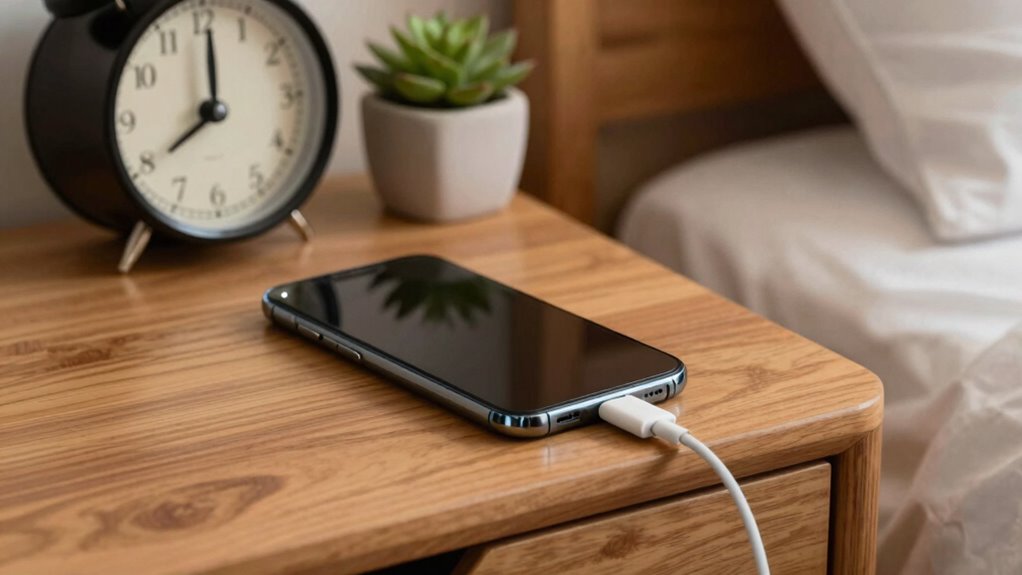

To keep your device’s battery healthy, avoid letting it drain completely and aim to keep charge levels between 20% and 80%. Use manufacturer-recommended chargers, and avoid high-speed charging too often to prevent heat damage. Charge in moderate temperatures, and unplug once it reaches around 80-90%. Don’t leave it plugged in overnight for long periods. Following these simple habits helps your battery last longer—if you want to learn more, just keep exploring these tips.
Key Takeaways
- Charge your device between 20% and 80% for optimal battery health and longevity.
- Use manufacturer-approved chargers to ensure safe and consistent power delivery.
- Avoid overnight charging; unplug once the battery reaches about 80-90%.
- Keep your device in moderate temperatures during charging to prevent damage.
- Perform frequent, small top-ups instead of full 100% charges for better battery preservation.
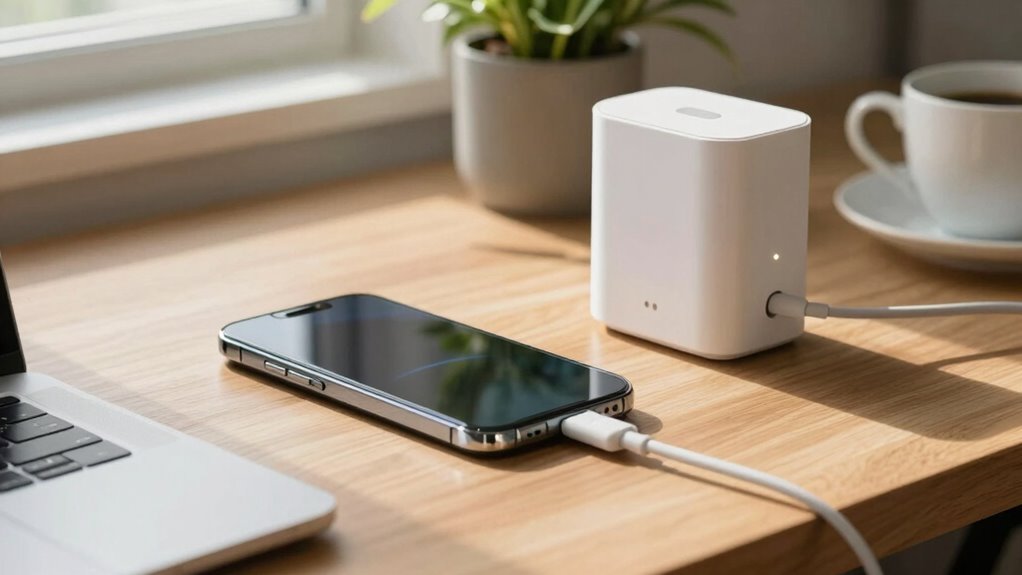
Starting your new device with safe daily charging habits can reliably extend its battery life and guarantee dependable performance. As a new user, understanding how to care for your battery is crucial, especially since your device’s battery lifespan depends heavily on your charging habits. The way you charge your device daily influences how long it remains effective and how well it holds a charge over time. By adopting good charging practices early on, you prevent unnecessary wear and tear, ensuring your device stays reliable for years.
One essential tip is to avoid letting your battery completely drain before recharging. Lithium-ion batteries, which most devices use today, perform best when kept between 20% and 80%. Frequently allowing your battery to hit 0% can cause stress and diminish its capacity faster. Conversely, constantly charging to 100% and leaving the device plugged in for extended periods can also harm the battery in the long run. Instead, aim for partial charges throughout the day, topping up when convenient. This approach helps preserve battery health and maintains optimal performance. Additionally, understanding the battery chemistry can help you better grasp how charging habits impact your device’s longevity.
Avoid letting your battery drop to 0% and charge in small, frequent top-ups for better long-term health.
Another key aspect is to use the right charger and cable. Low-quality chargers or incompatible accessories can deliver inconsistent power, which can harm the battery and reduce its lifespan. Always use chargers recommended by the manufacturer or certified accessories that meet safety standards. Fast charging features are convenient, but they generate more heat, which can accelerate battery aging if used excessively. If you’re not in a hurry, opting for regular charging speeds can be gentler on your battery over time. Additionally, being aware of battery calibration can help ensure your device’s battery indicator remains accurate and reliable. Proper battery maintenance can also prolong the overall lifespan of your device’s battery. Regularly monitoring your device’s temperature during charging can help prevent overheating and further extend battery health.
Temperature also plays a vital role in battery health. Charging your device in very hot or cold environments can cause damage. Ideally, keep your device in a moderate temperature range, especially during charging. If your device becomes noticeably warm or hot while charging, remove it from the charger and allow it to cool down before continuing. Excessive heat speeds up chemical reactions inside the battery, leading to faster capacity loss and shortened battery lifespan. Furthermore, understanding the role of calibration in maintaining accurate battery readings can help prevent unnecessary battery replacements and ensure your device accurately reflects its remaining charge.
Finally, avoid keeping your device plugged in overnight or for prolonged periods once it reaches full charge. While many modern devices have built-in safeguards, consistently overcharging can still cause unnecessary wear. Instead, try to unplug your device once it hits around 80-90%, or set reminders to unplug when it’s fully charged. Developing these safe charging habits from the start helps you preserve your battery’s health, reduces the need for early replacements, and ensures your device performs reliably day after day. Maintaining awareness of battery lifespan is essential to maximizing your device’s longevity and performance over time.

2 Pack i Phone Pop Charger Pre-Charged Disposable Emergency Charger
As an affiliate, we earn on qualifying purchases.
As an affiliate, we earn on qualifying purchases.
Frequently Asked Questions
Can I Leave My Device Charging Overnight Regularly?
Yes, you can leave your device charging overnight regularly, but it may impact your battery longevity over time. Modern devices are designed with safety features to prevent overcharging, yet constant overnight charging can lead to heat buildup, which affects battery health. To maintain ideal charging habits, try unplugging once your battery reaches full capacity. This helps preserve your battery’s lifespan and ensures your device stays reliable longer.
Does Charging Speed Affect Battery Safety?
Charging speed does impact battery safety because fast charging can generate more heat, which accelerates battery degradation over time. While quick charges are convenient, they increase stress during charging cycles and can shorten your battery’s lifespan. To keep your device safe and healthy, avoid consistently using rapid charging unless necessary. Opt for slower charging when possible, as it reduces heat and helps preserve your battery’s longevity and performance.
Is It Okay to Use Third-Party Chargers?
Using third-party chargers can be okay if they’re compatible with your device, but you should always check for proper charger compatibility to guarantee safe charging. Be cautious, as some third-party chargers may not meet safety standards and could damage your device or void your warranty considerations. To stay safe and protect your device, opt for reputable brands and verify that the charger matches your device’s specifications.
How Do Temperature Changes Impact Charging Safety?
Like a delicate dance, temperature fluctuations can considerably impact your charging safety. When temperatures rise or fall sharply, thermal management systems work overtime to keep your device stable. Extreme heat can cause overheating, risking damage or fire, while cold temperatures slow down battery charging and efficiency. Always charge your device in a moderate environment, allowing thermal management to maintain safe, ideal conditions and protect your device during daily charging.
Should I Unplug My Device After It’s Fully Charged?
Yes, you should unplug your device after it’s fully charged. Keeping it plugged in can lead to battery degradation over time, which affects its lifespan and performance. Developing good charging habits, like unplugging once fully charged, helps preserve your battery’s health. Modern devices often stop charging automatically at 100%, but unplugging still minimizes heat buildup and reduces the risk of unnecessary wear on your battery.
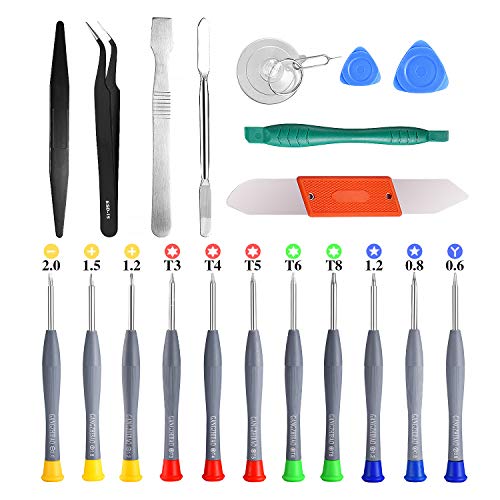
21pcs Precision Screwdriver Set Magnetic,GangZhiBao Repair Tools Kit for Fix Phone/iphone,Computer/PC,Tablet/Pad,Watch,PS4 – Replace Screen Battery Camera Small Electronics Open Pry Tool Kits Sets DIY
PentalobeScrewdriver Set: p5 Pentalobe screwdriver,PH000 Phillips Screwdriver, Pentalobe T5 Pentalobe T6 Screwdrivers Repair Tool Kit for Apple MacBook…
As an affiliate, we earn on qualifying purchases.
As an affiliate, we earn on qualifying purchases.
Conclusion
By now, you understand that safe daily charging isn’t just a myth—it’s backed by science. Avoid overcharging, use quality chargers, and don’t let your battery completely die. Interestingly, some experts believe that charging your device properly can actually extend its lifespan, rather than harm it. So, follow these simple tips, stay vigilant, and enjoy your device’s performance for years to come. Safe charging practices truly make a difference!
![INIU USB C to USB C Cable, 240W Fast Charging Type C Charger Cord, Braided USBC Phone Charger Cable for iPhone 17 16 Pro Max Samsung S26 S25 Laptops MacBook Air 15 M3 iPad Switch [6.6ft+6.6ft Black]](https://m.media-amazon.com/images/I/41r3DXOHFvL._SL500_.jpg)
INIU USB C to USB C Cable, 240W Fast Charging Type C Charger Cord, Braided USBC Phone Charger Cable for iPhone 17 16 Pro Max Samsung S26 S25 Laptops MacBook Air 15 M3 iPad Switch [6.6ft+6.6ft Black]
[From INIU—the SAFE Fast Charge Pro] Experience the safest charging with over 38 million global users. At INIU,…
As an affiliate, we earn on qualifying purchases.
As an affiliate, we earn on qualifying purchases.
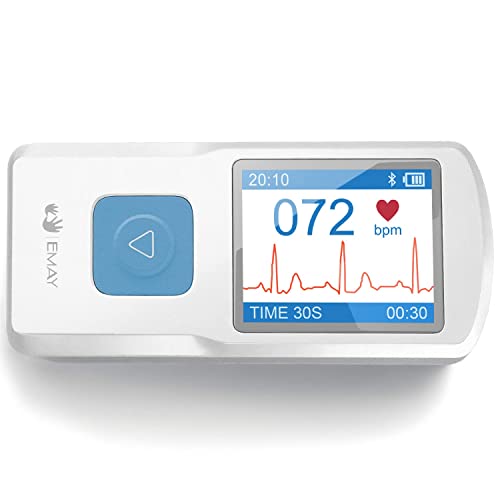
EMAY Portable ECG Monitor | Record ECG and Heart Rate | Compatible with Smartphone and PC
Record and store Lead I ECG signals, and display heart rate for home health care use.
As an affiliate, we earn on qualifying purchases.
As an affiliate, we earn on qualifying purchases.