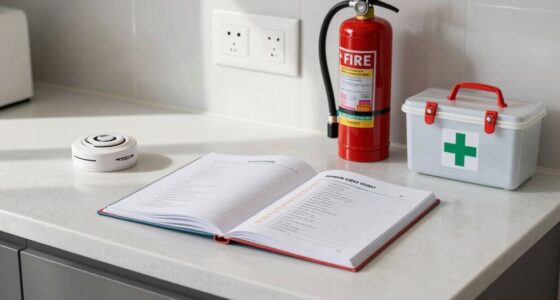
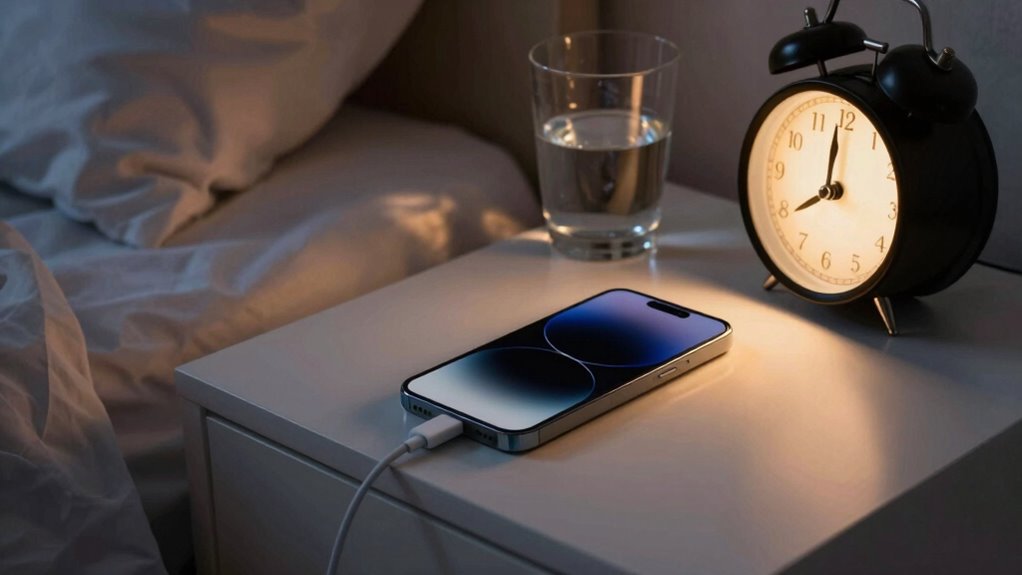

Before charging overnight, you should ask yourself if leaving your device unattended risks fire or battery damage. Faulty cables, damaged batteries, or overheating chargers can still cause problems despite modern safety features. Overcharging can shorten battery life and increase fire hazards. It is crucial to use certified chargers, watch for warning signs, and unplug once fully charged. Staying aware of these safety questions can protect your home and loved ones—if you keep going, you’ll discover how to stay safer.
Key Takeaways
- Is the charging cable and device certified and free from damage or wear?
- Are there any visible signs of battery swelling, overheating, or damage before charging?
- Am I using a compatible and reputable charger, avoiding counterfeit or uncertified accessories?
- Have I set a reminder to unplug the device once fully charged to prevent overcharging?
- Do I know the device’s safe charging practices and safety standards to minimize fire or battery risks?
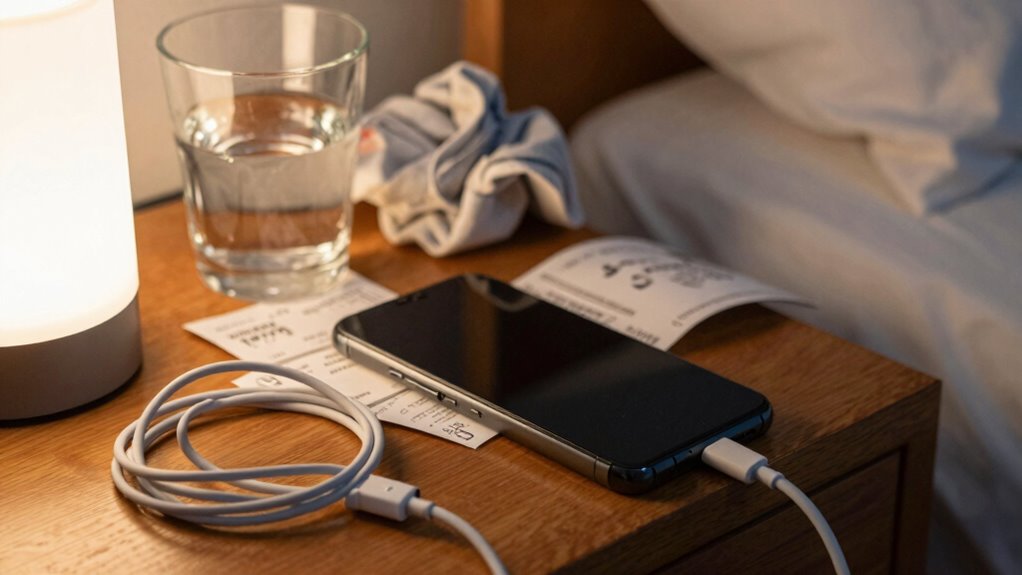
Charging your device overnight might seem convenient, but it’s important to take safety risks into account before leaving it plugged in while you sleep. Many people don’t think about the potential dangers of leaving their devices charging unattended for hours, especially overnight. While modern devices are designed with safety features, there’s still a risk that something could go wrong. One of the main concerns is the impact on your battery lifespan. Constantly charging your device for extended periods can degrade the battery over time, reducing its overall capacity and leading to shorter periods of usability between charges. This gradual decline can force you to replace your device sooner, which isn’t just inconvenient but also costly.
Beyond the impact on your device’s longevity, there’s the more serious risk of a fire hazard. Although rare, fires caused by faulty charging cables, damaged batteries, or overheating chargers do happen. When you leave your phone or tablet plugged in overnight, you’re exposing it to continuous power flow, which can sometimes lead to overheating if the charger or device has a defect. Overheated batteries can swell, leak, or even ignite, especially if they’re damaged or poorly manufactured. This danger isn’t just limited to your device; it can pose a threat to your home and loved ones, especially if you’re unaware of the warning signs like unusual heat or swelling. Additionally, understanding safety standards in electronic devices can help you make safer choices when selecting chargers and cables. Recognizing battery safety practices can further minimize the risk of accidents. Being aware of fire hazards associated with improper charging habits can motivate you to adopt safer routines.
Using certified chargers and cables is a simple yet effective way to reduce the risk of malfunctions and hazards. Many accidents stem from the use of counterfeit or incompatible accessories that lack essential safety features. Even if your device and charger are in good condition, leaving them plugged in for too long can still lead to unnecessary wear on the battery, making it less efficient and more prone to overheating during future charges. Being aware of safety precautions and following recommended charging practices can help prevent such issues. It’s a cycle that can be avoided with a simple habit change: unplug your device once it’s fully charged.
Ultimately, it’s about balancing convenience with safety. While it might seem harmless to leave your device charging overnight, the potential consequences—damaged battery lifespan and fire hazard—are serious enough to reconsider. Being mindful of how long you leave your device plugged in and ensuring you use proper, certified chargers helps you protect not just your device’s longevity but also your safety and your home. Taking a few extra seconds to unplug your device can prevent preventable accidents and extend the life of your technology.

TAKAGI USB to USB C Cable (3Pack 6ft) USB A to Type C Cable Fast Charging Nylon Braided Data Sync Transfer Cord USB C Charger for iPhone 17 Pro Max/17 Air/16e/16 15 Pro/15 Plus/Galaxy S20 S10 Note 20
Type c Charger Fast Charging and Sync: 3A Fast Charge, Transfer speed can reach 40~60MB/S (480Mbps), TAKAGI USB…
As an affiliate, we earn on qualifying purchases.
As an affiliate, we earn on qualifying purchases.
Frequently Asked Questions
Can Leaving a Device Charging Overnight Cause Long-Term Battery Damage?
Leaving your device charging overnight can contribute to battery degradation over time, especially if you have poor charging habits. Constantly keeping your battery at 100% or letting it drain completely can strain the battery, reducing its lifespan. To prevent long-term damage, it’s best to unplug once it’s fully charged and avoid overnight charging regularly. Good charging habits help maintain your battery’s health and extend its overall lifespan.
Are Certain Phone Brands Safer to Leave Charging Overnight?
Certain phone brands are safer to leave charging overnight because they often include built-in safety features like battery calibration and smart charging. For instance, 80% of newer models from top brands automatically stop charging once full, reducing risks. Using quality charging accessories also minimizes hazards. Always choose reputable brands for both your device and accessories to guarantee safety, no matter your phone’s brand.
What Are the Signs of a Charging Safety Issue?
If you notice your device’s battery heats up excessively, swells, or takes longer to charge, these are signs of a charging safety issue that could harm battery lifespan. Also, if your charger or cable shows signs of damage or sparks, stop using them immediately. Following proper charging etiquette helps prevent problems, like overcharging or overheating, which can compromise safety and reduce your battery’s overall lifespan. Always monitor your device during charging.
Should I Unplug My Device if It Gets Hot While Charging?
Yes, you should unplug your device if it gets hot while charging. Battery overheating can pose safety risks, including fires or damage to your device. Practicing proper charging etiquette means paying attention to temperature and signs of overheating. Keep an eye on your device during charging, and don’t ignore heat. Unplugging when it gets hot helps prevent potential hazards and extends your device’s lifespan, ensuring safe, reliable use.
How Does Charging on a Bed or Soft Surface Affect Safety?
Charging your device on a bed or soft surface increases bed hazards and soft surface risks. These surfaces can trap heat, preventing proper cooling, which may cause the device or battery to overheat. Overheating can lead to fires or device damage. Always charge your devices on hard, flat surfaces like a table, and avoid soft surfaces to minimize these hazards and guarantee safe charging.

INIU Portable Charger, Smallest 20000mAh 22.5W Fast Charging Power Bank
[POCKET-SIZE 20000mAh.] Massive power for your pocket. Note: True 20,000mAh requires solid, high-density cells (approx. 11 oz). This…
As an affiliate, we earn on qualifying purchases.
As an affiliate, we earn on qualifying purchases.
Conclusion
Before you leave your device to charge overnight, remember that safety is the silent guardian of your peace. Like a lighthouse guiding ships through darkness, asking the right questions illuminates hidden dangers, preventing unseen storms. It’s easy to overlook the quiet risks, but by staying vigilant, you protect your sanctuary from potential fires and harm. Trust in this small act of caution—your peace of mind, like a steady beacon, will shine brighter because of it.

SmartSign 10 x 14 inch “Caution – Used Batteries” OSHA Metal Sign, 40 mil Laminated Rustproof Aluminum, Black and Yellow
DURABLE ALUMINUM: 'Used Batteries' signs are made from heavy-duty 40 mil thick aluminum. Unlike steel signs, our aluminum…
As an affiliate, we earn on qualifying purchases.
As an affiliate, we earn on qualifying purchases.
![[2-Pack] USB C Wall Charger,50W 5-Port PD Fast USB C Charging Block,2USB C+3USB A Multiport Plug,Type C Power Adapter Brick Cube for iPhone 17/16/15/14/13/12/Pro Max/XS,iPad,for Switch,Samsung,Ultra 2](https://m.media-amazon.com/images/I/41pPYWzhc5L._SL500_.jpg)
[2-Pack] USB C Wall Charger,50W 5-Port PD Fast USB C Charging Block,2USB C+3USB A Multiport Plug,Type C Power Adapter Brick Cube for iPhone 17/16/15/14/13/12/Pro Max/XS,iPad,for Switch,Samsung,Ultra 2
2-Pack Charging Block:Multiport wall charger has 2 USB-C ports and 3 USB-A ports.It can charge multiple devices at…
As an affiliate, we earn on qualifying purchases.
As an affiliate, we earn on qualifying purchases.